Upload date
All time
Last hour
Today
This week
This month
This year
Type
All
Video
Channel
Playlist
Movie
Duration
Short (< 4 minutes)
Medium (4-20 minutes)
Long (> 20 minutes)
Sort by
Relevance
Rating
View count
Features
HD
Subtitles/CC
Creative Commons
3D
Live
4K
360°
VR180
HDR
93 results
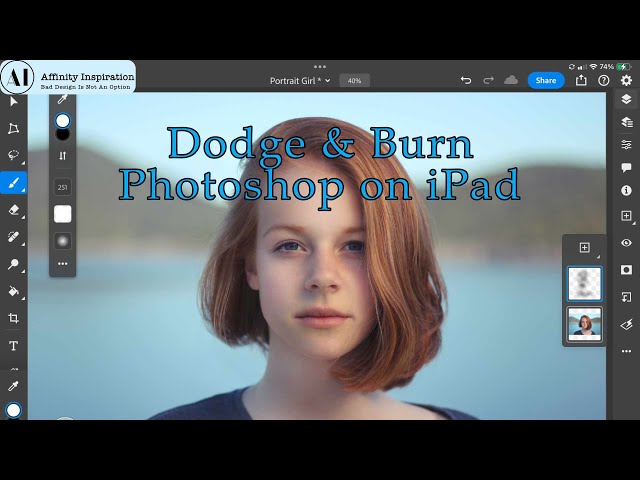
Steps for Dodging and Burning on Photoshop for iPad: Open Your Image Import the photo you want to edit into Photoshop for iPad ...
2,349 views
1y ago
If you're using Claude and skipping these 8 things, you're doing it the hard way. In this video I cover the one file that makes ...
1,247 views
2mo ago
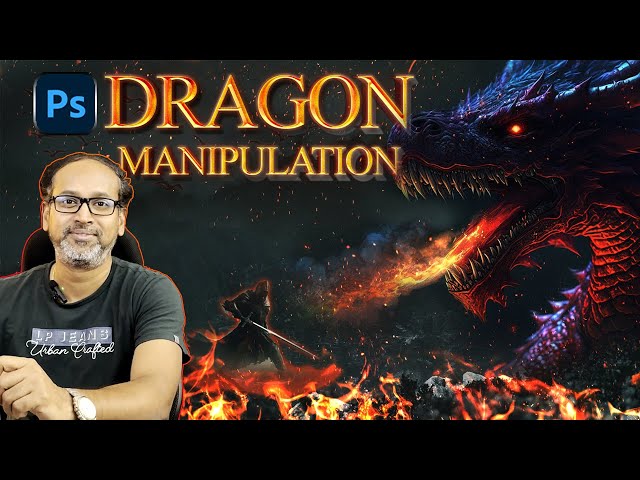
Let's use photoshop to create an image manipulation effect and a Dragon slaying scene.
40 views
2y ago
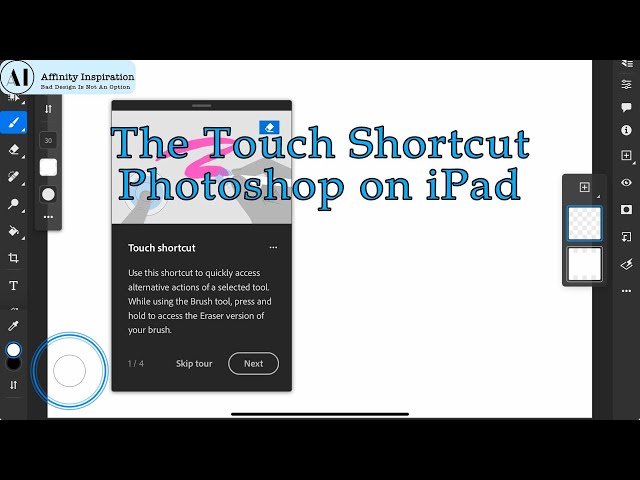
The Touch Shortcut in Photoshop on the iPad is a versatile tool that enhances your workflow with quick access to additional ...
956 views
Master Paragraph Styles in Affinity Publisher and take control of your book layouts. In this video, you'll learn how to create, edit, ...
2,530 views
10mo ago
Subscribe? Enjoy the video!! • Sub count: 8.43k • ign: Jhamariahaip Suggestions, questions, video Ideas, games you want me ...
39 views
In this video I will take you through my branding process. I have designed my logo, chose my colors and also designed + coded ...
148 views
3y ago
In this tutorial, we delve into the world of colour manipulation in photography using HSL (Hue, Saturation, and Lightness) and HSV ...
274 views
Skintones Palette https://robert-chalmers.uk/download/skintones-paletter-with-vectorscope-tutorial Get ahead on Youtube with ...
1,109 views
Learn how to make a professional YouTube watermark with Phonto in this easy step-by-step tutorial! A custom watermark is a ...
38 views
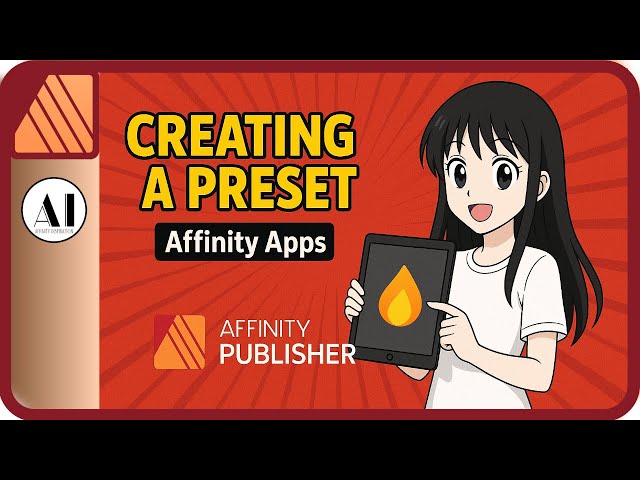
Unlock the full power of Affinity Publisher, Affinity Photo, and Affinity Designer by creating your own custom presets! ✨ Presets ...
900 views
Layer Masking in Photoshop on the iPad is a powerful tool that allows you to control the visibility of specific parts of a layer without ...
1,406 views
Using Apple Motion, you can easily animate text and objects into short clips to add to your videos and social media posts.
1,195 views
Learn how to convert AI-generated images from Midjourney into clean, editable vector artwork using Affinity Designer V3's Image ...
469 views
9mo ago
Examples of OCIO-managed images typically come from industries where precise color management is crucial, such as film ...
397 views
Bethini Pie is a graphical user interface for editing ini configuration files for game such as Starfield, Skyrim Special Edition, and ...
45,180 views
ImageMagick is commonly used in many industries, including graphic design, web development, and video editing. Features ...
1,233 views
Quick Guide: Changing the Background in Adobe Photoshop for iPad (Using Remove Background) 1. Open your image in ...
2,861 views
Unboxing the DaVinci Resolve Speed Editor is a pretty minimalist experience, but the value inside is what makes it famous in the ...
135 views
6mo ago
Learn how to place a pattern realistically onto any object using Affinity Photo V3. In this step-by-step tutorial, you'll see how to ...
248 views